


Installing VS Code
visit https://code.visualstudio.com/Download
Customising VS Code
VS Code is customised by extensions and there are so so many extensions for vs code that you can exhaust. However the very fundamental and most important need to do as soon as you install vs code is to install a theme
A theme in VS Code customizes:
- Font
- Colors
- Layout
the easiest and best resource to customise your vscode is at https://vscodethemes.com/
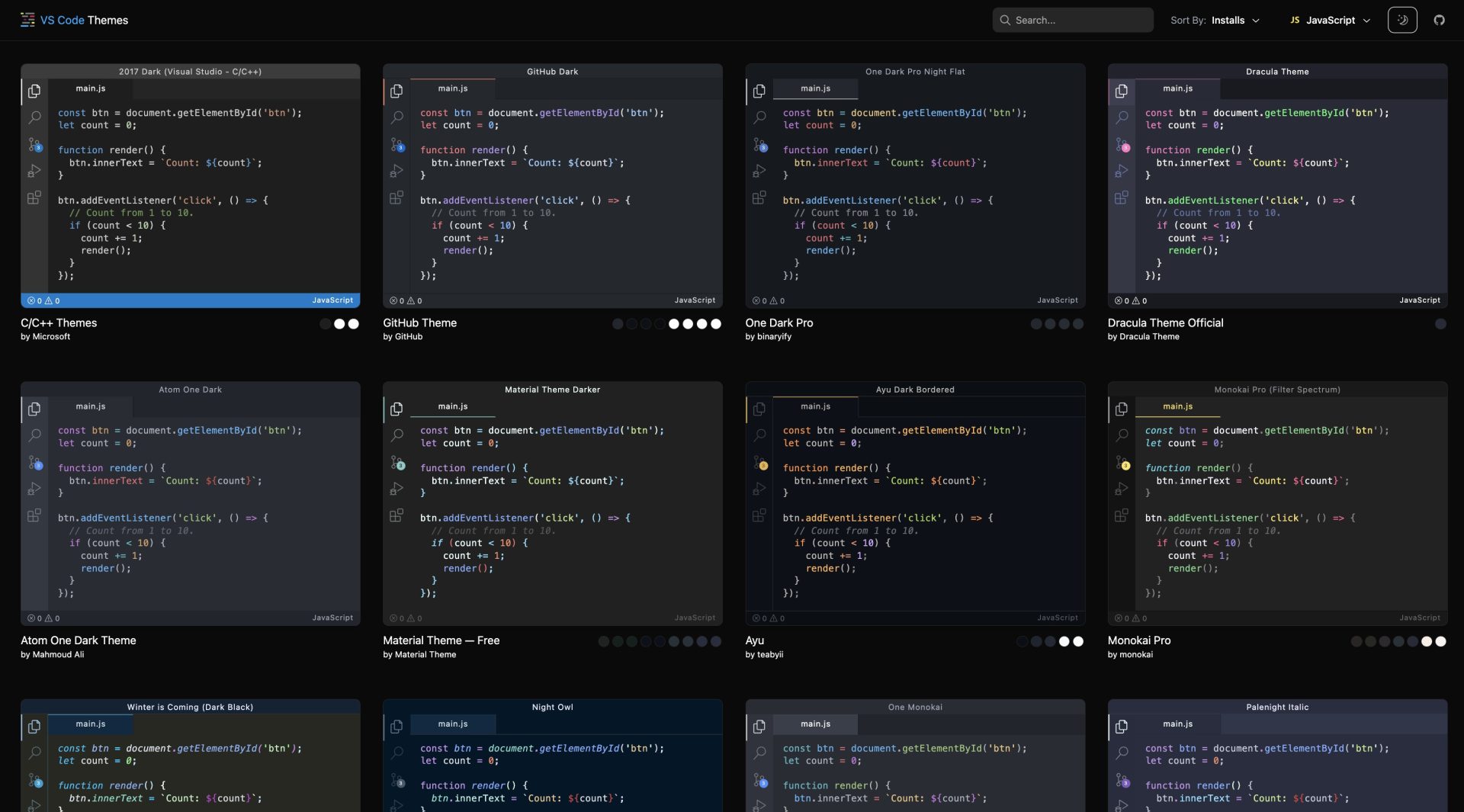
Bonus to Themes will be extensions that improves looks and functions of coding environment:
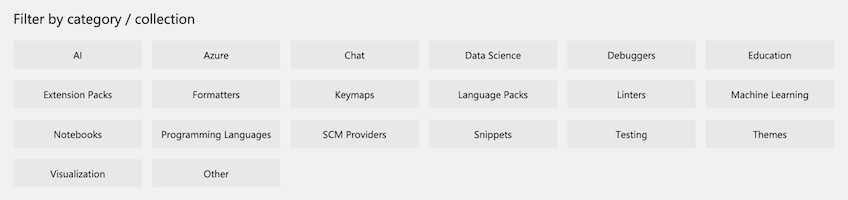
You can visit https://marketplace.visualstudio.com/VSCode to see a large repo of resources you can filter based on your needs
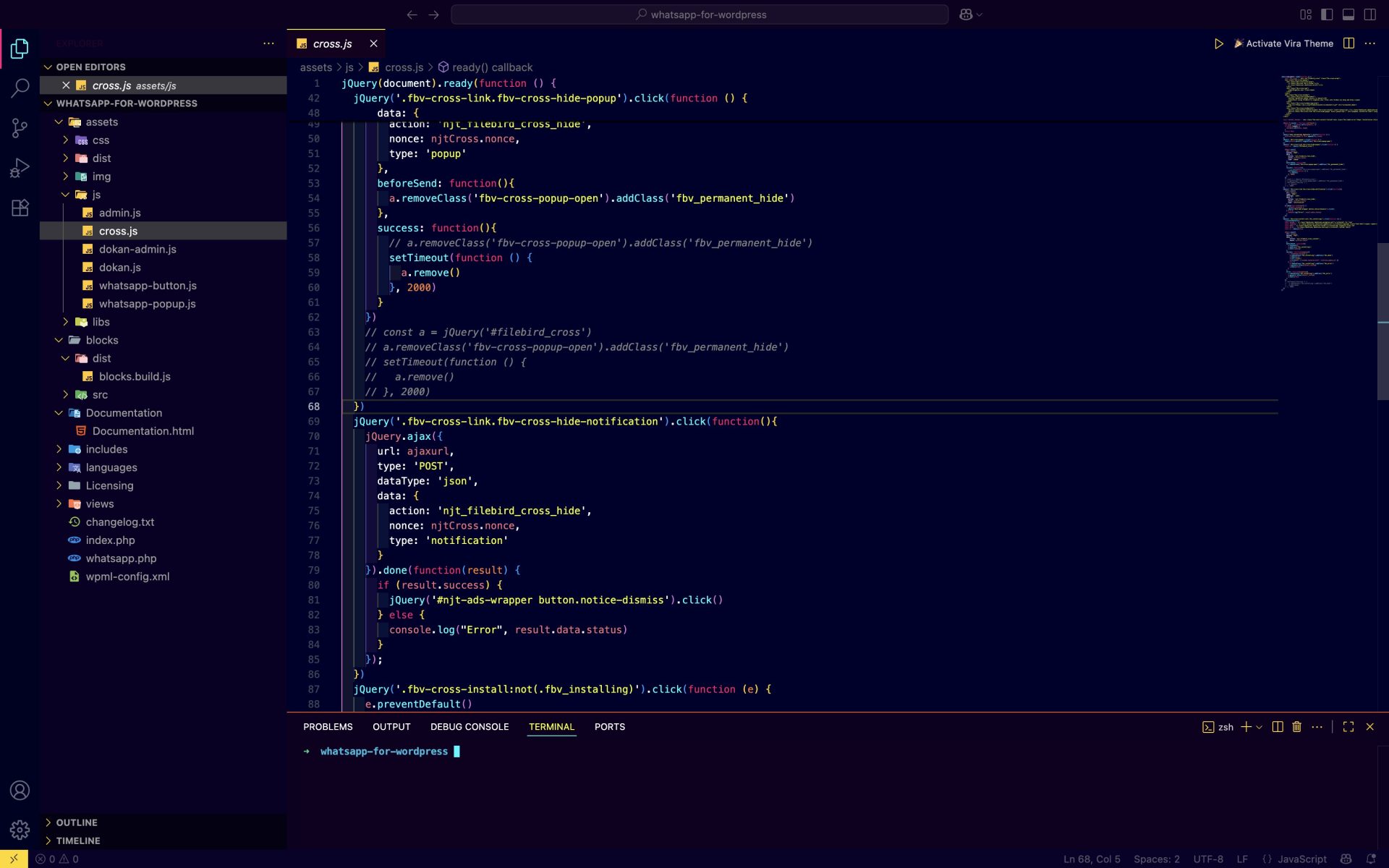
My Super VS Code Setup
Extensions
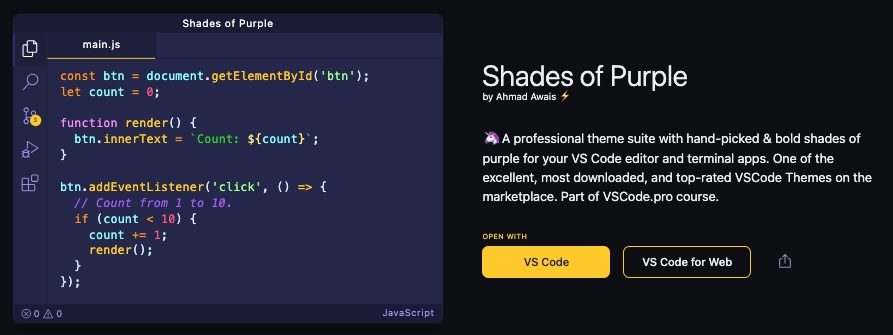
Theme: Shades of Purple by Ahmad Awais
Icons: Material Icon Theme by Philipp Kief
Terminal: OhmyZsh by Robby Rusell